








ABOUT PING PONG HTML5
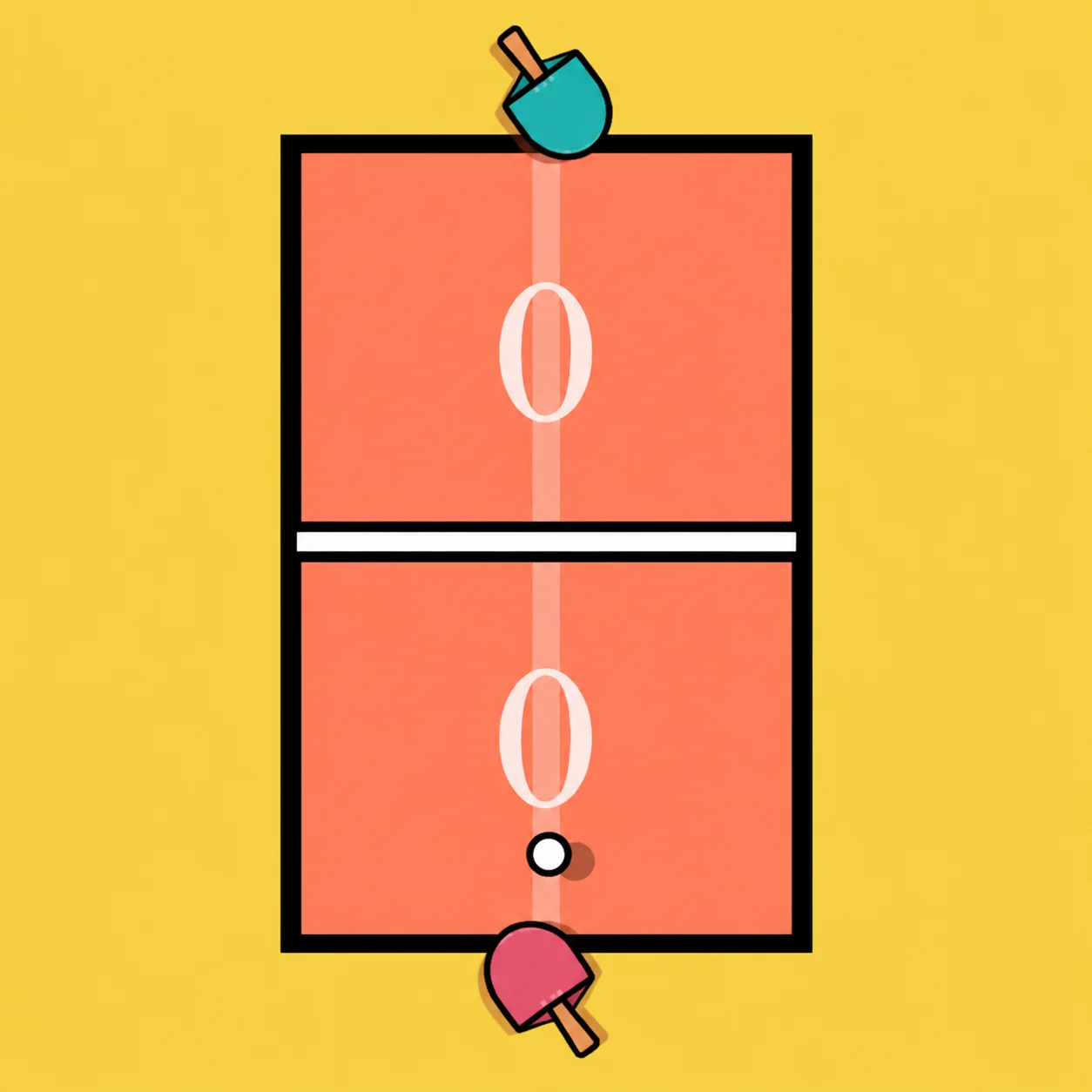
Ping Pong HTML5 brings first-person table tennis to a simple 3D desktop layout. The paddle follows your mouse while opposing AI becomes more challenging across difficulty levels.
There is no complicated input sequence for a smash or angled return. Your motion as the ball touches the paddle controls the outgoing direction.
HOW TO PLAY PING PONG HTML5
- Move the cursor to intercept an incoming ball and make a quick sideward stroke at contact to place it near a table edge.
Controls
- Paddle movement and shot: Move mouse; contact returns the ball
TIPS AND TRICKS
- Watch where the ball will bounce, not just its initial line leaving the AI paddle.
- Save a hard fast swipe for a ball that arrives at a comfortable height.
- Reset the paddle near the middle after each point so either wing remains reachable.
- Recover the paddle to center immediately so the next return can be reached from either side.
- Intercept a ball sent to your right, then brush sideways through contact so the return goes to the opposite corner. The key decision happens at contact, so bring the paddle back toward the center afterward.
FAQ
Is there a separate keyboard smash combo?
No. The paddle's speed and contact direction shape the incoming ball's response.
How does a mouse movement curve the return?
A sideways brushing motion at ball contact sends it diagonally across the table.
Why not swing wildly before the bounce?
A late or early paddle movement can miss the contact point needed for a clean return.
How do you change the return angle?
Slide the paddle sideways at the moment of contact.
Does the opponent stay equally difficult?
No. The game includes multiple AI difficulties.